
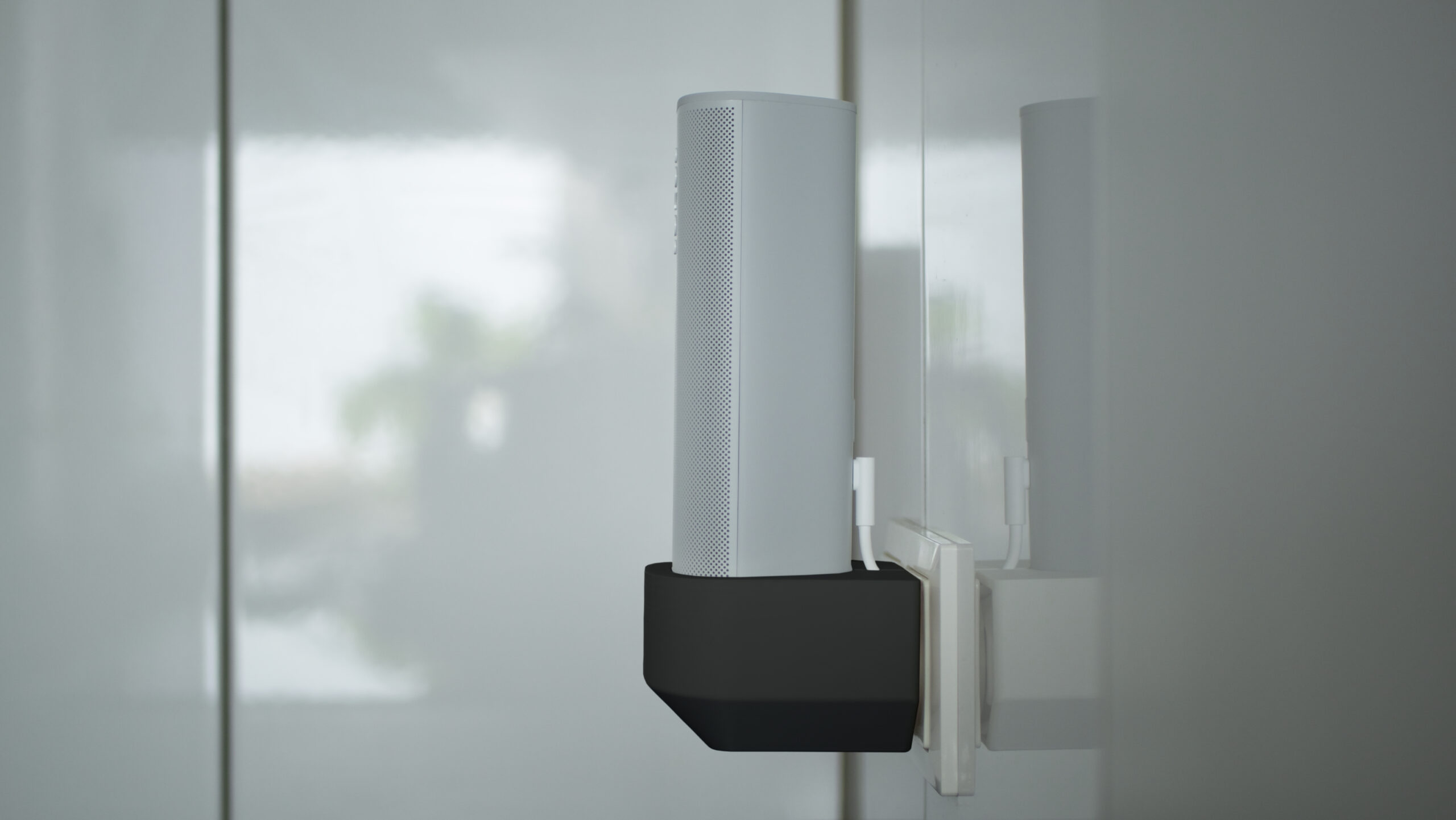
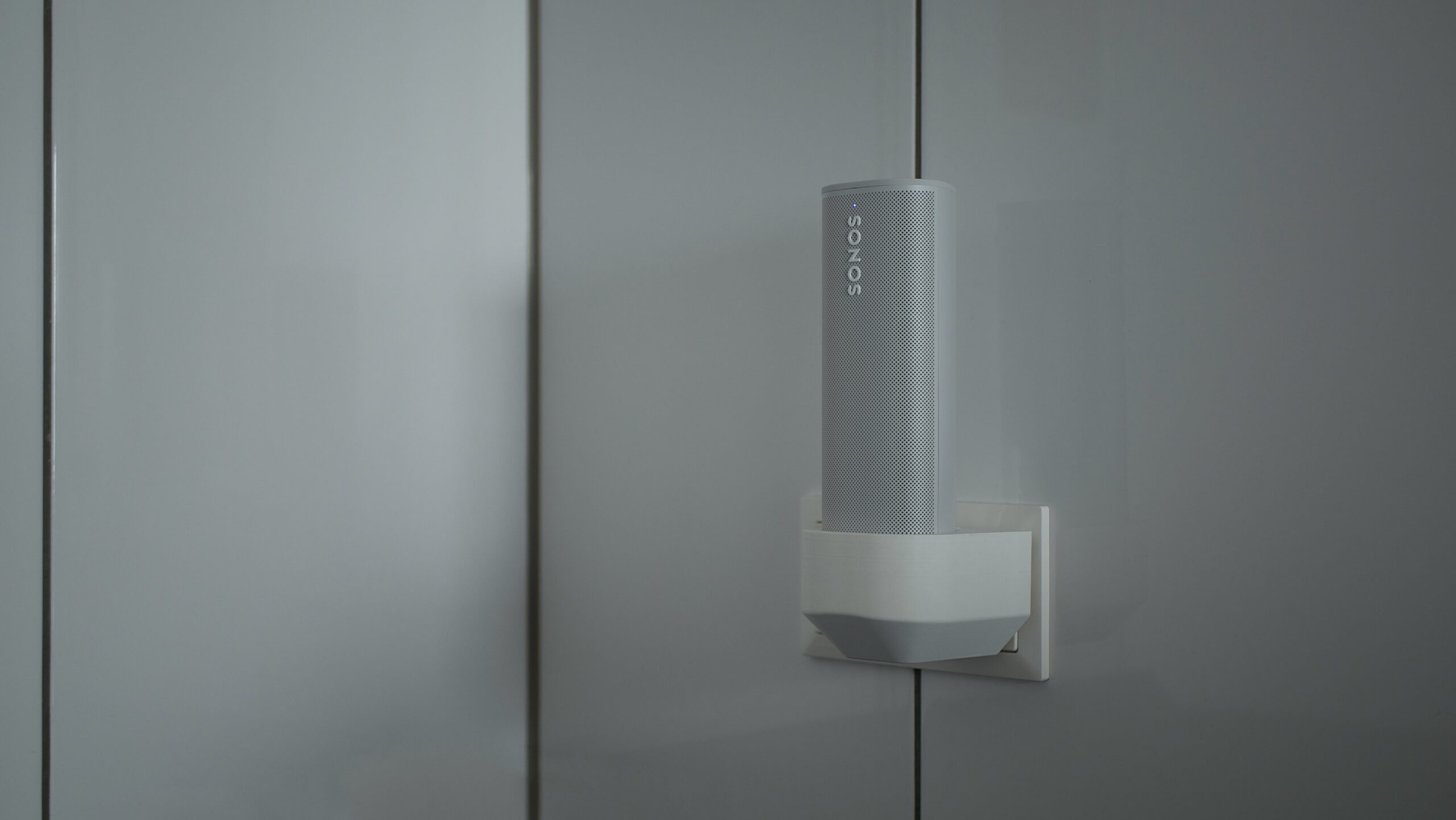
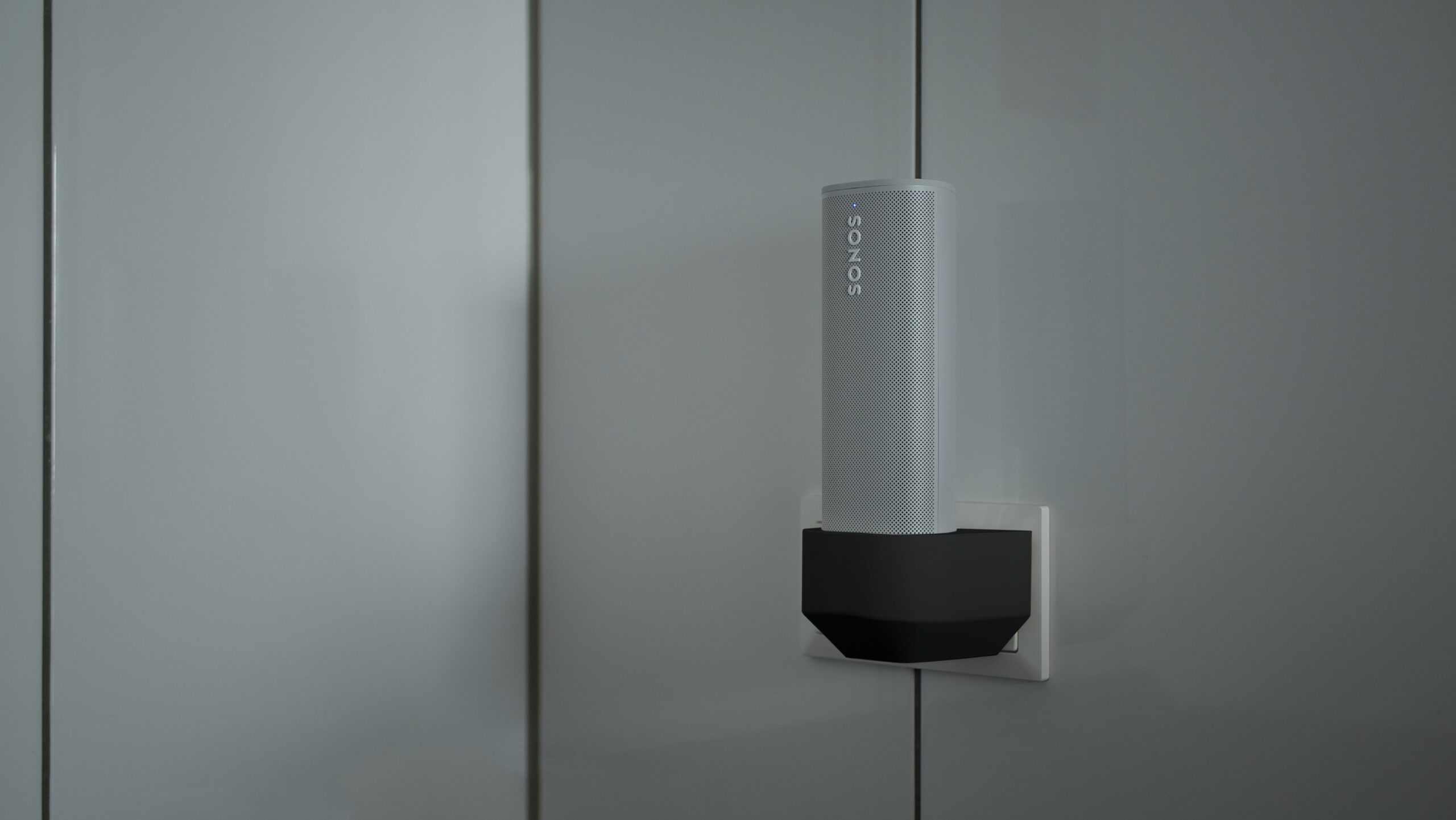
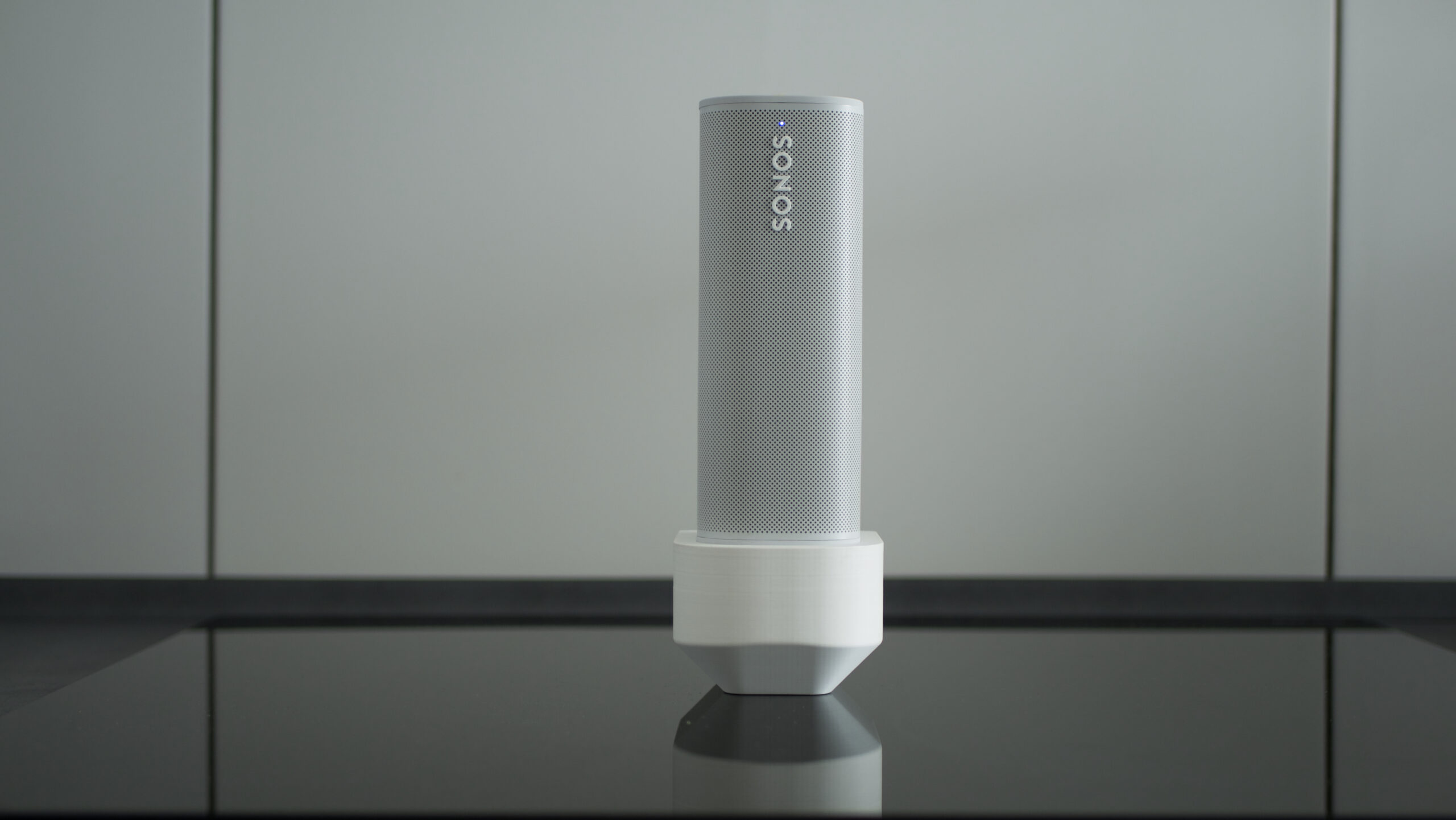
Fits Sonos Roam (SL) with Sonos USB power adapter or with the Sonos Roam wireless charger
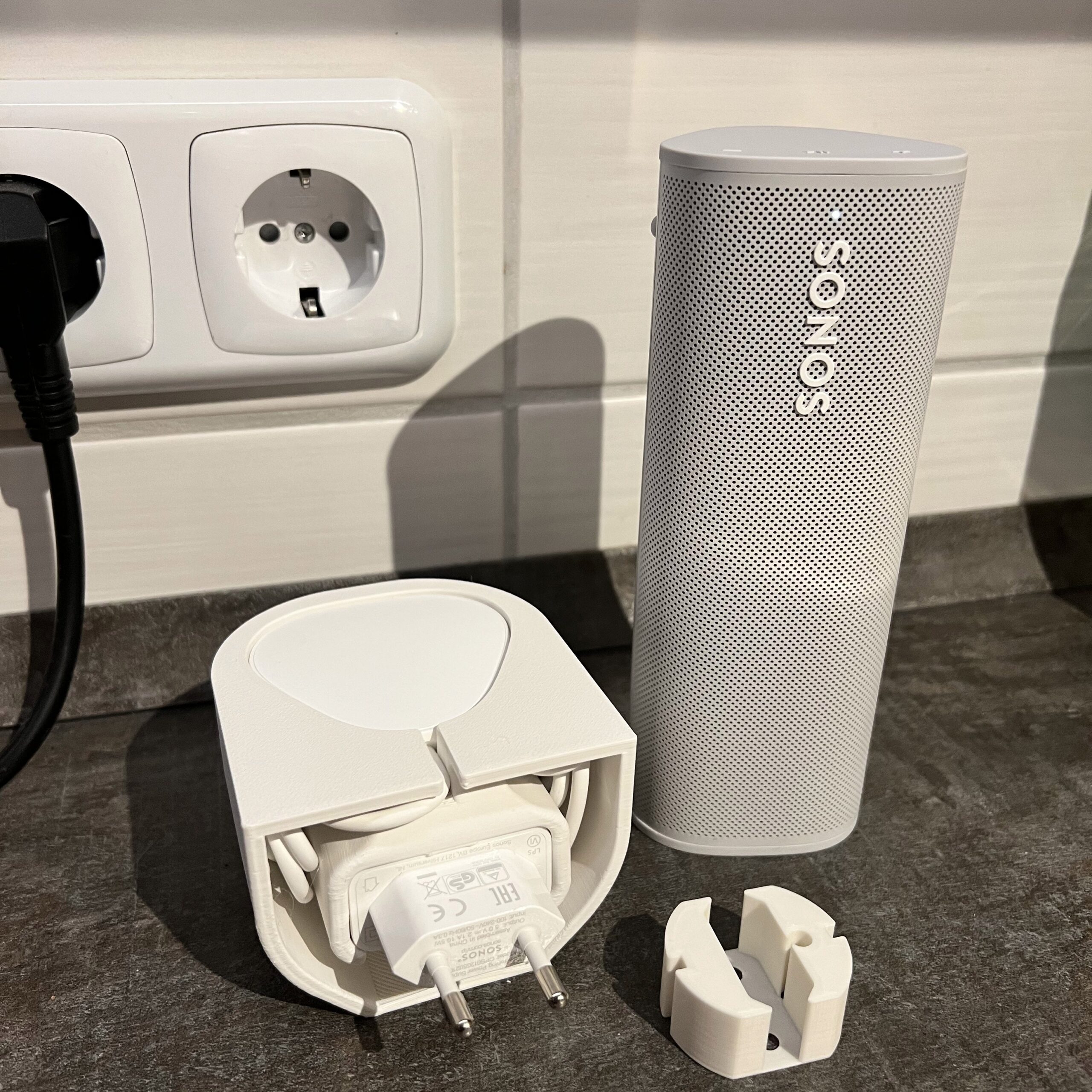
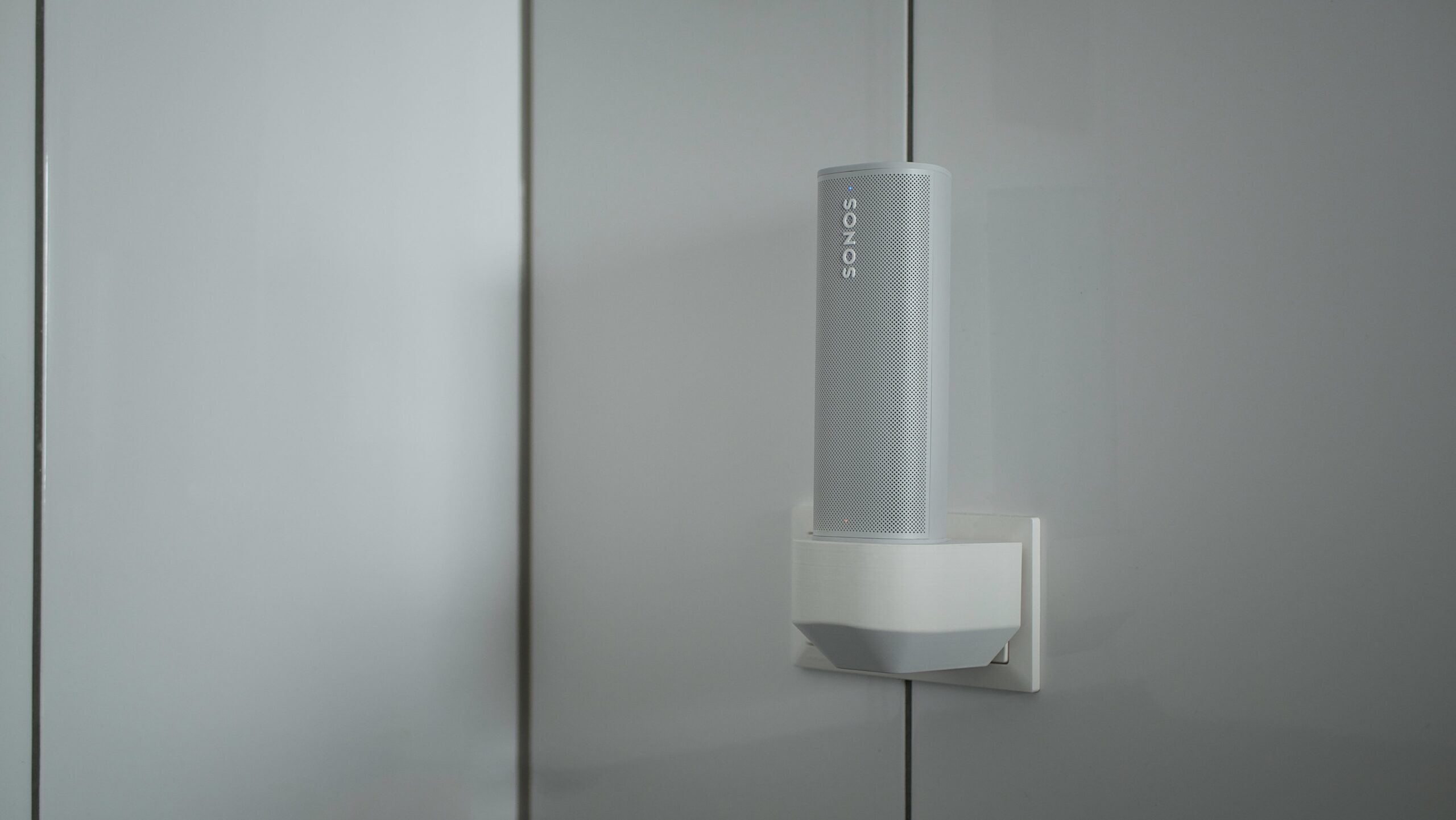
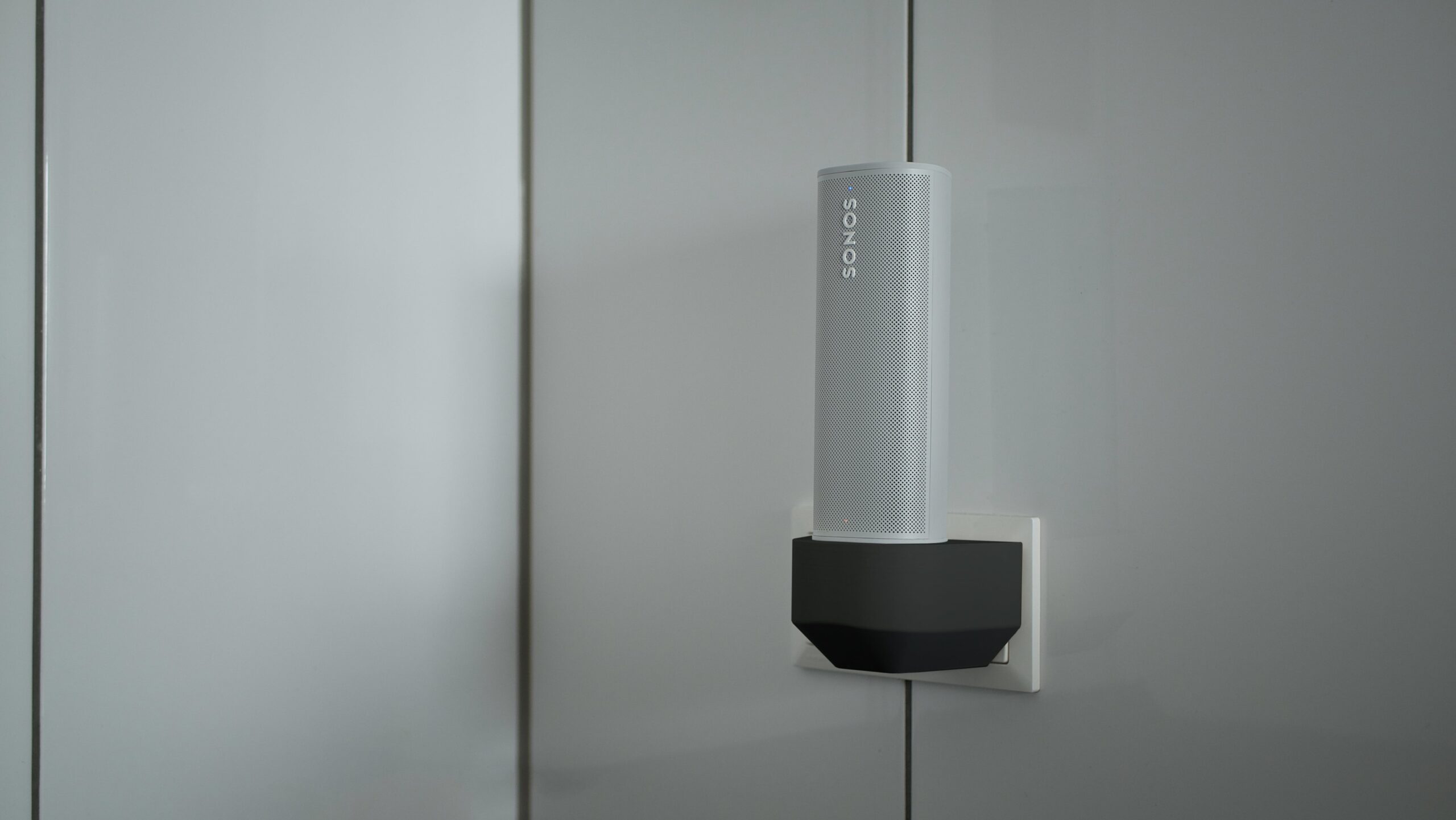
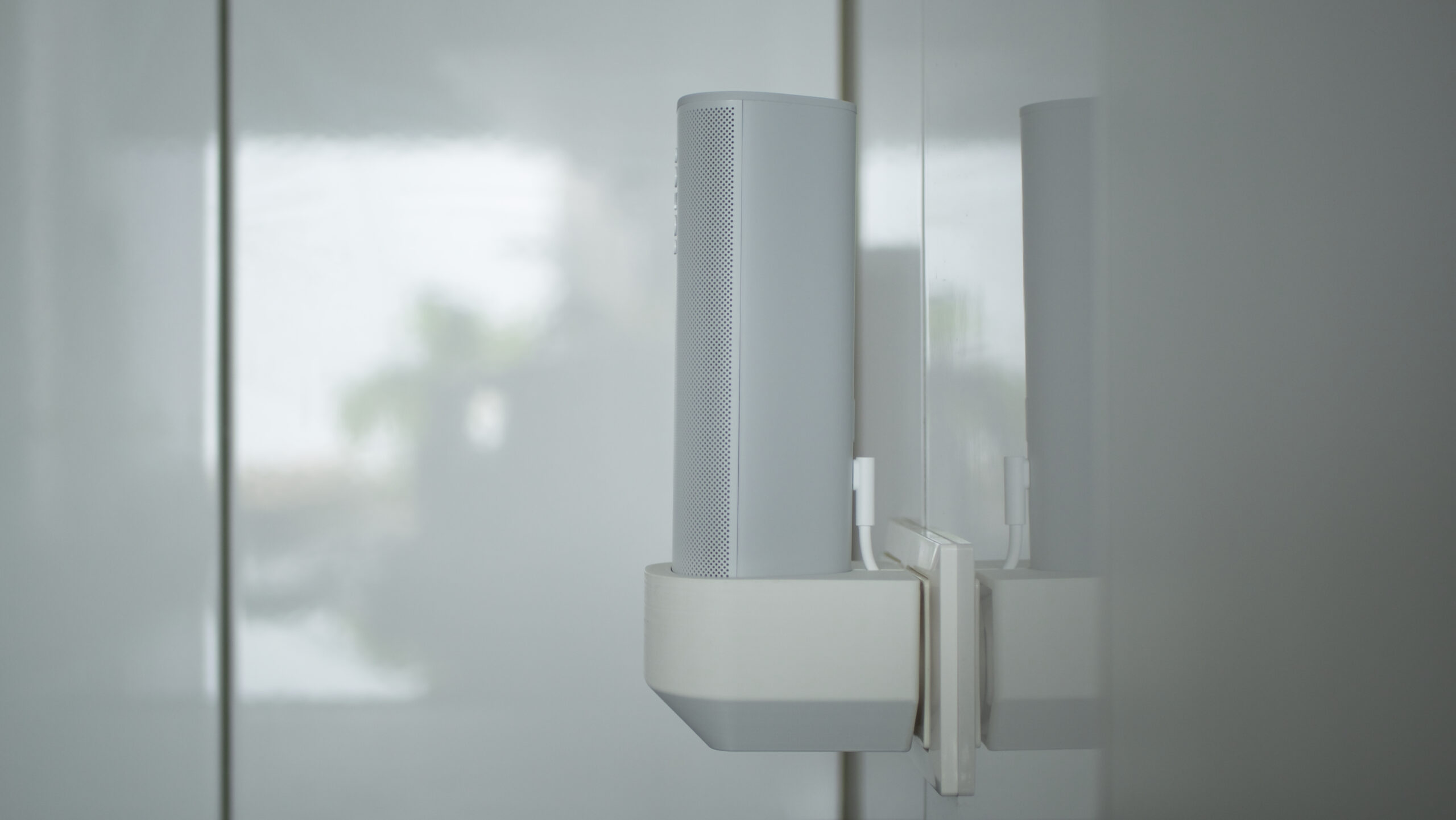
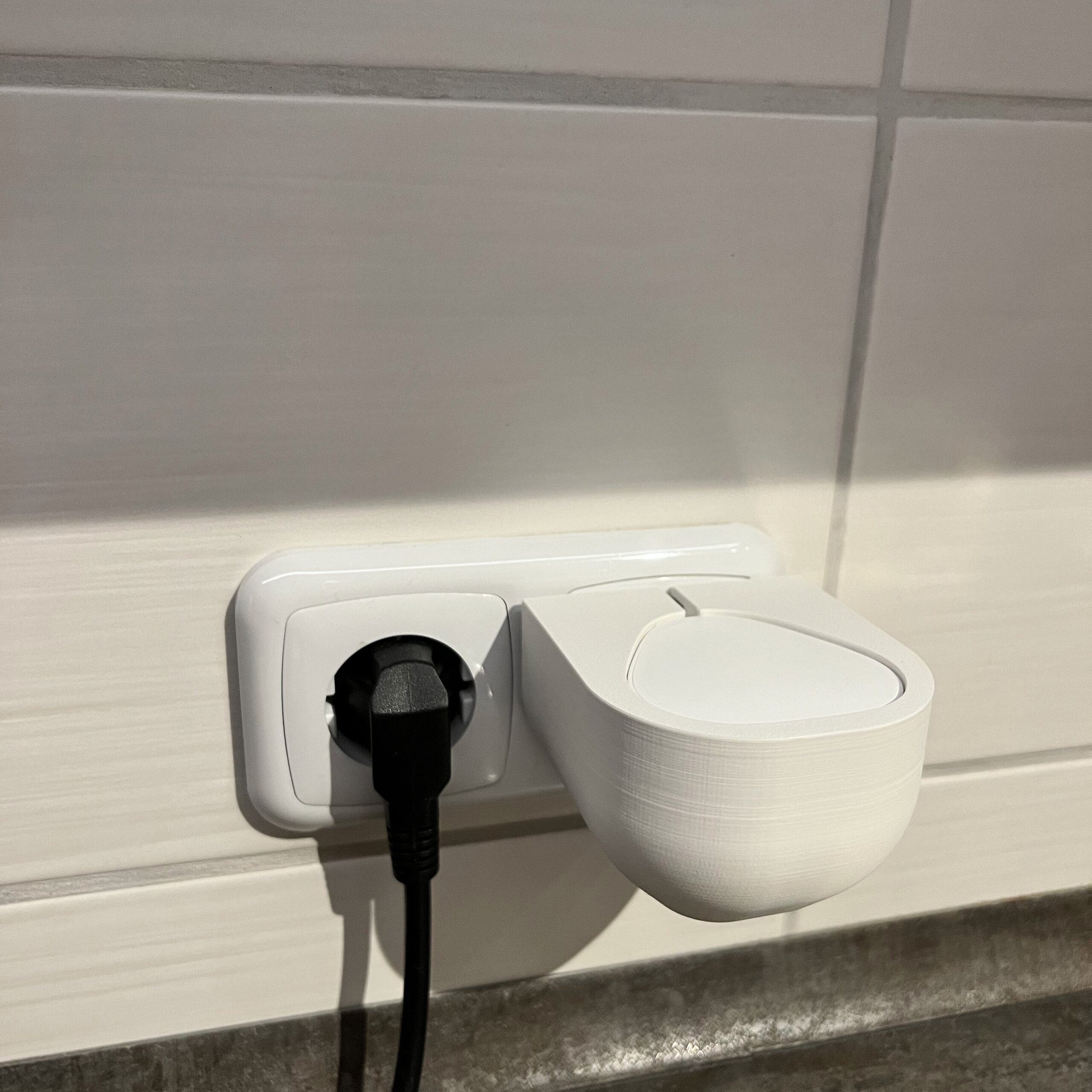
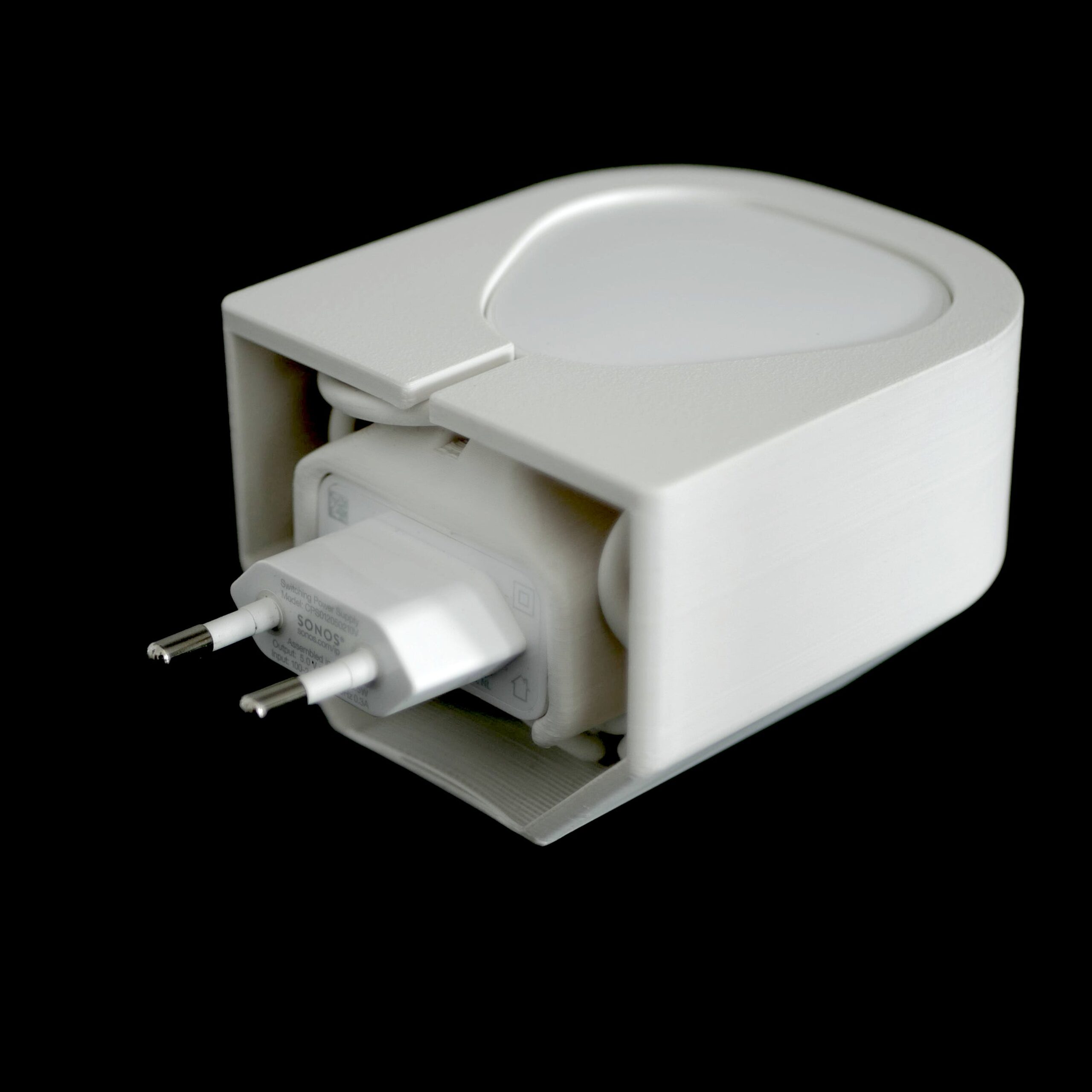
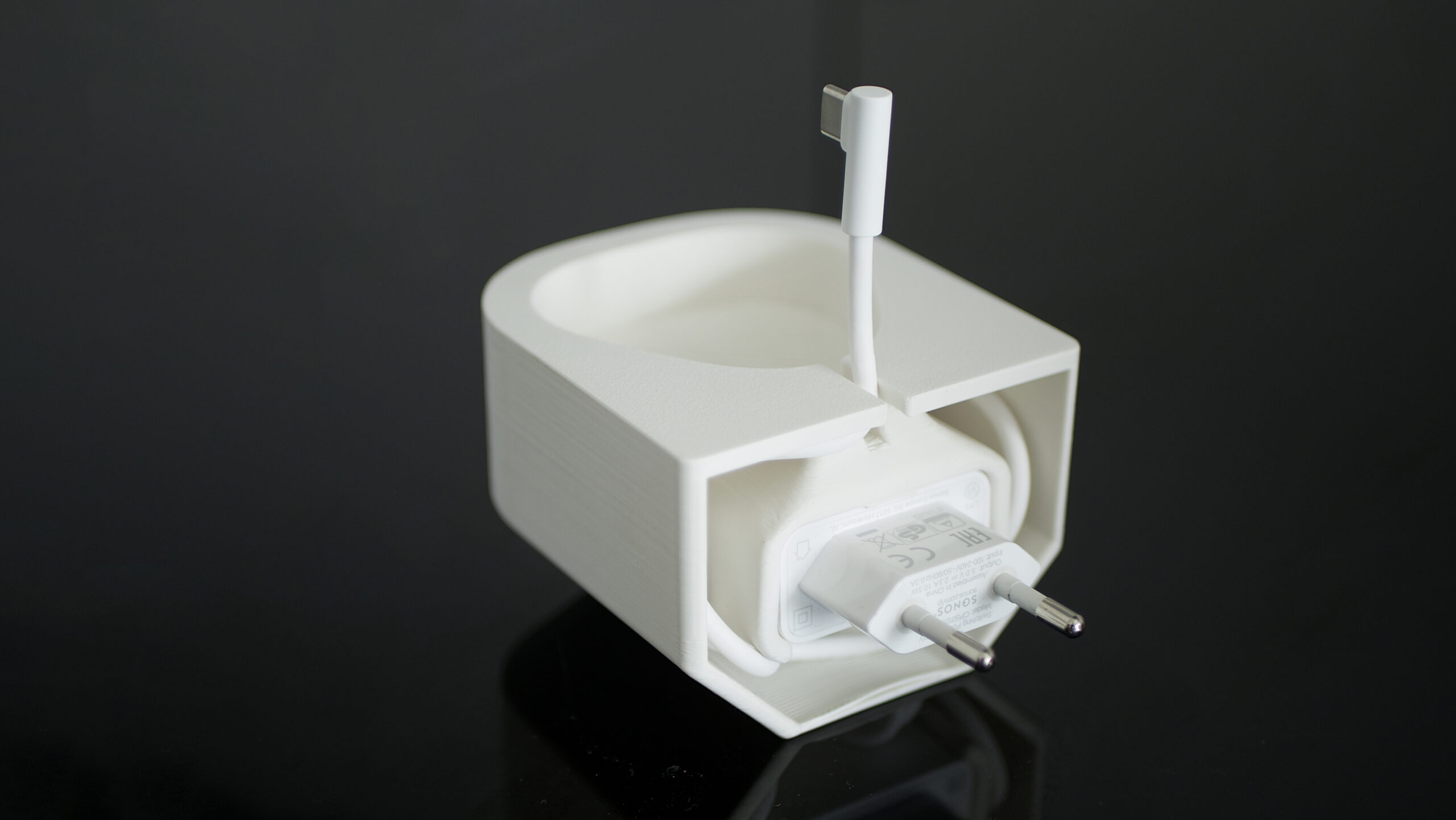
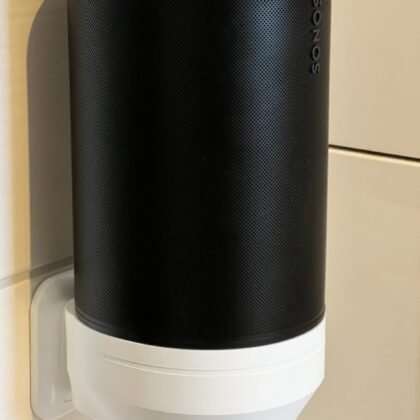
The SR1 holds the Sonos Roam directly and securely on the outlet. USB power adapter and cable disappear completely inside – no drilling or gluing at all.
Product information
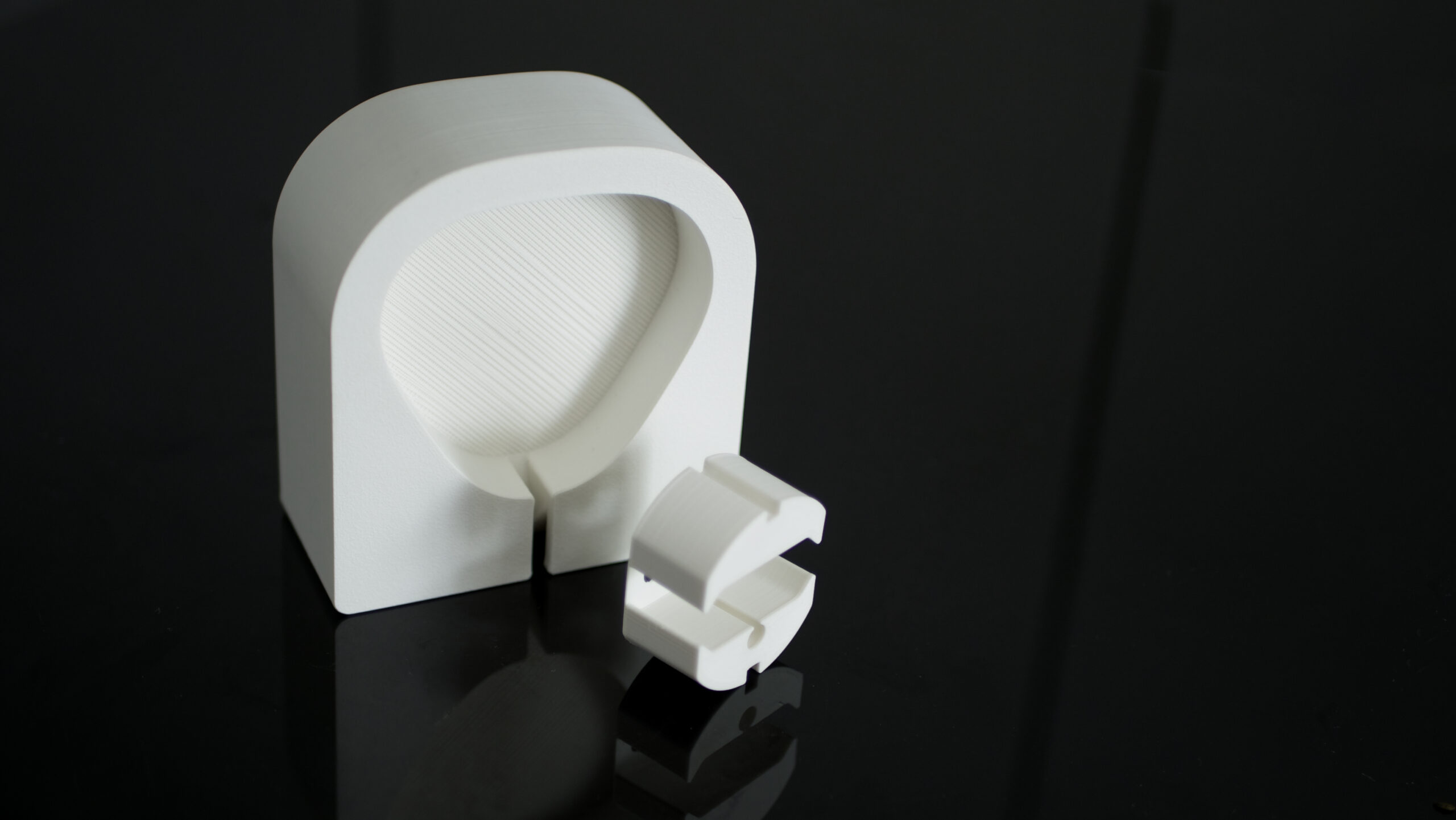
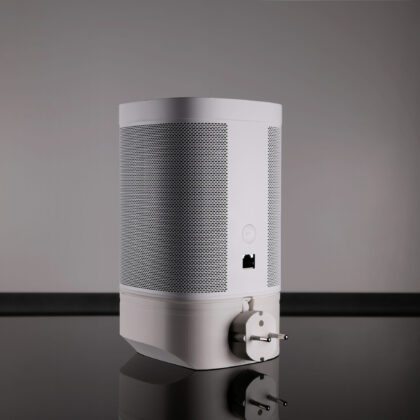
The set consists of 2 parts: Sonos Roam holder and Schuko adapter. You need the original Sonos USB power adapter (already included with the wireless charger).
- (A) With USB power adapter only: The Sonos Roam sinks approx. 1.5 cm into the mount and has a solid hold there.
- (B) With Sonos wireless charger: The Sonos Roam stands on the wireless charger and is held by its magnets. A recess approx. 1.5 mm deep improves the hold and prevents twisting.
The Schuko adapter encloses the original Sonos USB power adapter and ensures a better hold. It fits all common type C (DE/AT) and type E (BE/FR) outlets in the EU.
Scope of delivery: Holder + Schuko adapter.
Sonos Roam, charger, USB cable and power adapter are for presentation purposes only and are not included.
Size & weight
- 80 mm wide, 85 mm deep, 58 mm high
- approx. 85 g (mount incl. Schuko adapter)
Manufacturing
The mount is made using FDM 3D printing with a fine layer height of 0.16 mm. The fine “ridges” typical of 3D printing are present, but only visible up close.
Only branded PLA (polylactide) filament with a matte finish and slightly rubberised feel is used for printing.
Colours: White = RAL 9003 | Black = RAL 9017.
Each piece is 100 % handmade, so there may be minimal variations in appearance.
Do not heat above 50 °C, as this may cause permanent deformation!
Further finishing
The mount can be finished further. As long as the plastic is not heated above 50 °C, you can:
- sand it (removes the fine ridges completely)
- prime it
- varnish / paint it
Reviews
There are no reviews yet.